.png)
Turning on Profile Visibility helps employers discover your FastJobs profile when they are searching for suitable candidates.
But what exactly do employers see when they view your profile?
On the employer’s side, your profile is organised into two main sections:

These sections help employers review your background, job preferences, and verified details more easily.
Employers often look through many jobseeker profiles when hiring. A clear and complete profile helps them quickly understand who you are and whether you may be suitable for their role.
Contrary to many opinions, your first impression starts when an employer views your profile. The employer view feature gives you a chance to see how your profile is presented from the employer’s side. Think of it as a final check before recruiters view your information. Check the accuracy, alignment of your data, and grammar mistakes! A neat and detailed profile increases your hiring chance.
A neat and updated profile can help create a better first impression.
When employers view your FastJobs profile, they may look out for details such as:
The clearer your information is, the easier it is for employers to decide if they should contact you for a suitable opportunity.
The Self-Declared Information section shows details that you have added or updated in your FastJobs profile.
This may include your:
This section helps employers understand your profile based on the information you have personally provided.
For example, if you add your preferred job title, employers can quickly see the type of role you are looking for. If you update your expected salary and availability, employers can better assess whether their opening matches your expectations.
💡 #FastTip 1: Keep your self-declared information updated so employers can see your latest experience, job preferences, and availability.
The Details Synced from Careers & Skills Passport section shows information imported from your Careers & Skills Passport (CSP) through Singpass.
These details can help strengthen your profile because they are synced from a verified source.
Depending on what you choose to import and confirm, employers may be able to view CSP-synced details such as your:
Before CSP information is added to your FastJobs profile, you will be asked to review your work experience and education. You can edit any missing or outdated information before adding it to your profile.
Only the details you confirm will be saved to your FastJobs profile.
💡 #FastTip 2: Import your details from CSP to add verified information to your profile and boost employer confidence.
Together, your self-declared information and CSP-synced details give employers a clearer view of your profile.
Your Self-Declared Information tells employers what you have added yourself, such as your job preferences, skills, expected salary, and availability.
Your Details Synced from CSP helps support your profile with verified information imported through Singpass.
This gives employers a better understanding of both your career background and the type of role you are looking for.
A complete and accurate profile can make it easier for employers to assess your suitability.
When both sections are updated, employers can better understand:
The clearer your profile is, the easier it is for employers to decide if you are a good match for their role.
💡 #FastTip 3: Before turning on Profile Visibility, review both your self-declared details and CSP-synced information to make sure your profile is accurate.
Your FastJobs profile helps employers understand more than just your past experience. It also shows what you are looking for next.
By keeping your profile complete, updated, and visible, you make it easier for employers to review your information and contact you for suitable roles.
Turn on Profile Visibility and keep your profile updated so employers can discover you with confidence.

Discover why internships matter for students and fresh graduates. Learn how internships build experience, boost employability, and kickstart your career with FastJobs.
Read more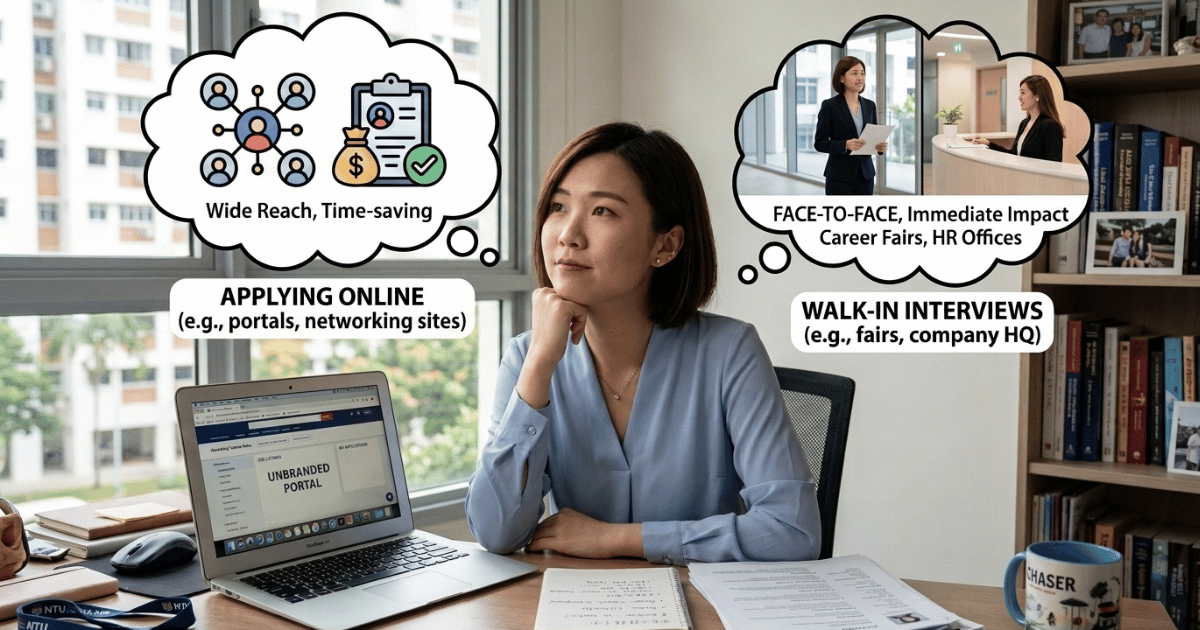
Should you apply online or attend walk-in interviews? Compare both job search methods and discover the best way to find jobs in Singapore with FastJobs.
Read more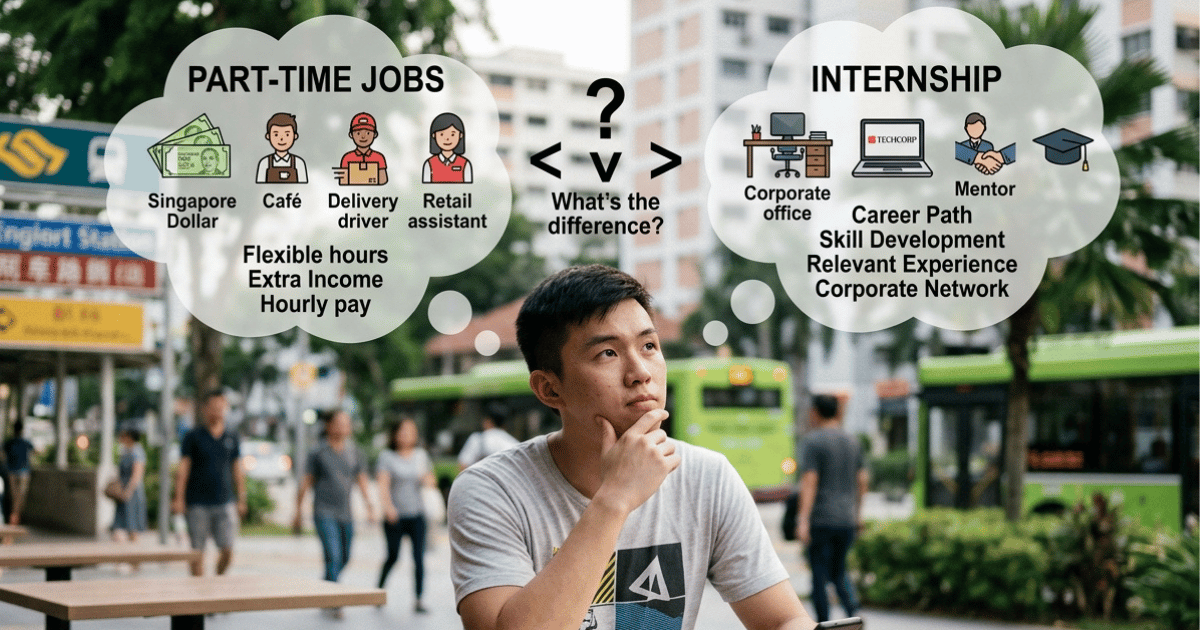
Not sure whether to choose an internship or a part-time job? Compare the benefits of each and discover which option best suits your career goals as a student or fresh graduate.
Read more