.png)
In today’s job market, having a resume isn’t just helpful—it’s essential. A resume gives employers a quick overview of who you are, what you’ve done, and what you can bring to the job. It helps you stand out from other applicants and increases your chances of getting shortlisted for an interview.
But we get it— writing a resume from scratch can feel overwhelming. That’s why FastJobs has made it easy with our in-app resume builder.
Here’s how to create a resume in a few steps:
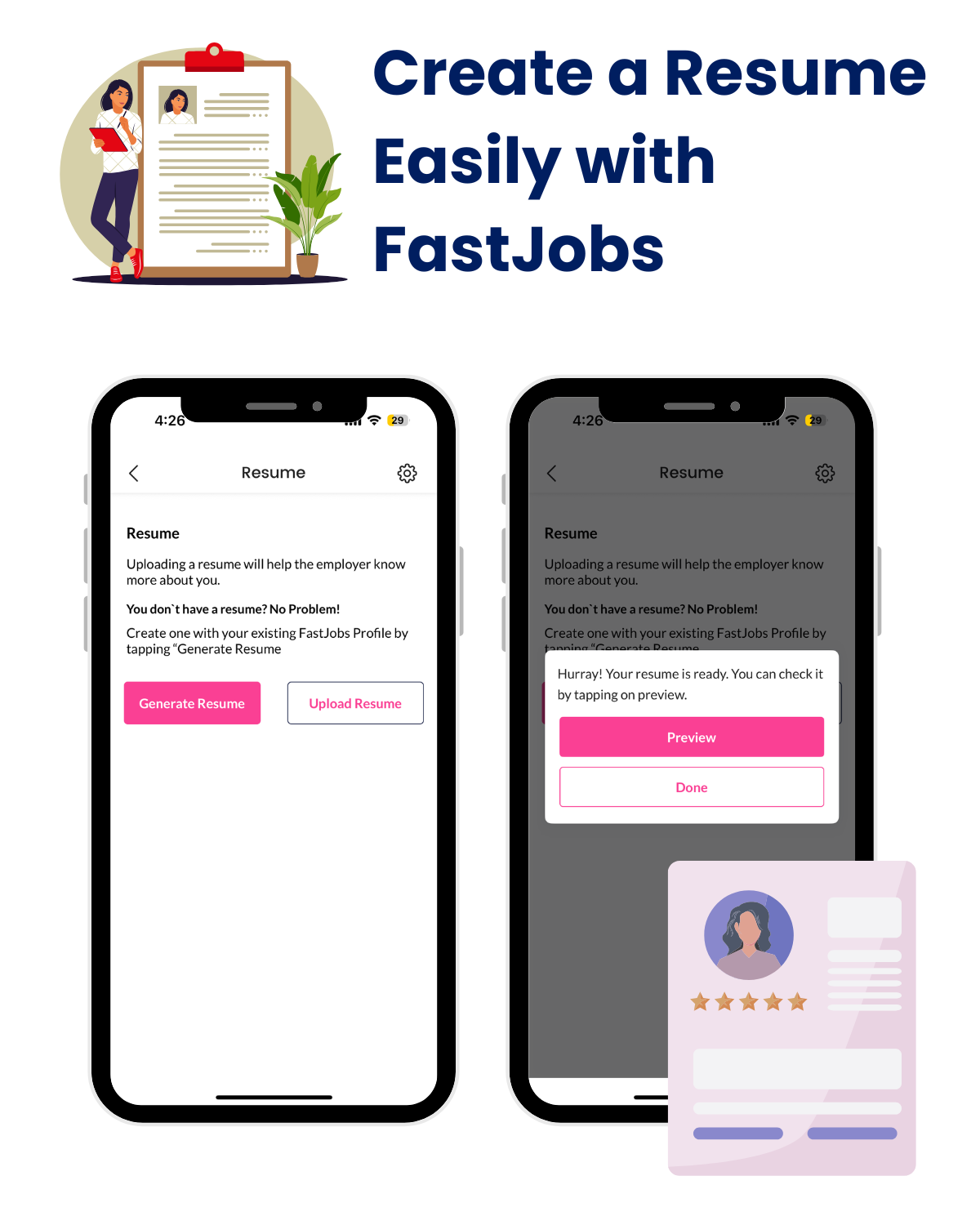
Want to make changes later? Simply delete the old version and repeat the steps to generate a new one.
With just a few taps, you’ll have a clean, professional resume that’s ready to be shared with employers—no design skills or templates needed.
Don’t let a missing or outdated resume hold you back. Take the first step toward landing your next job by creating your resume today—directly in the FastJobs app!

Discover why internships matter for students and fresh graduates. Learn how internships build experience, boost employability, and kickstart your career with FastJobs.
Read more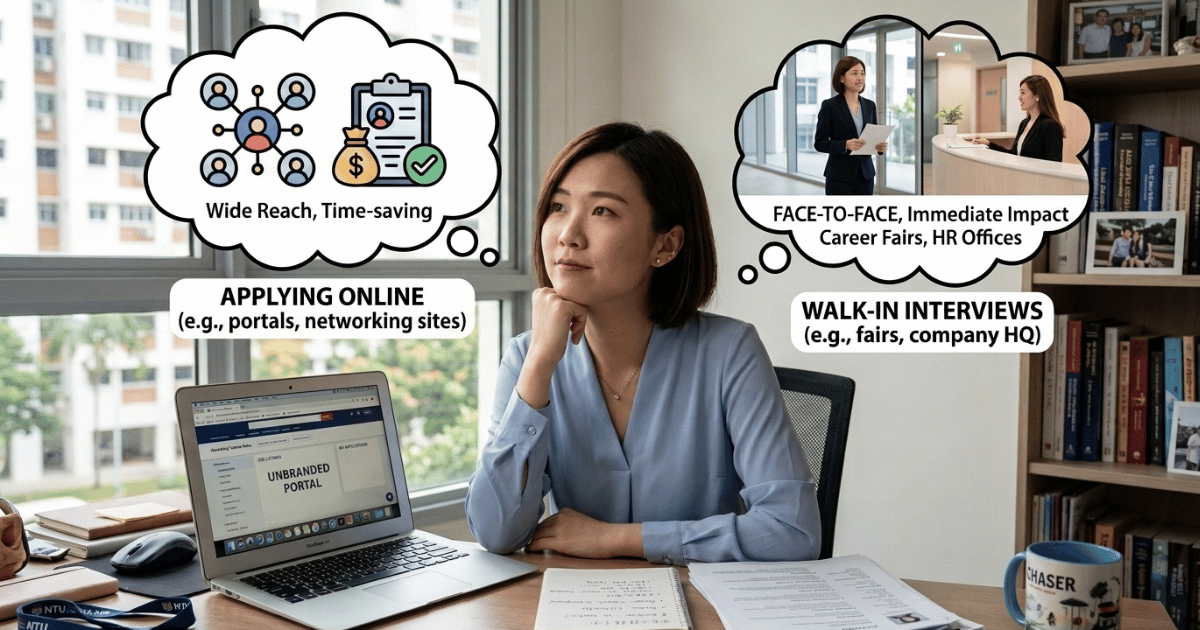
Should you apply online or attend walk-in interviews? Compare both job search methods and discover the best way to find jobs in Singapore with FastJobs.
Read more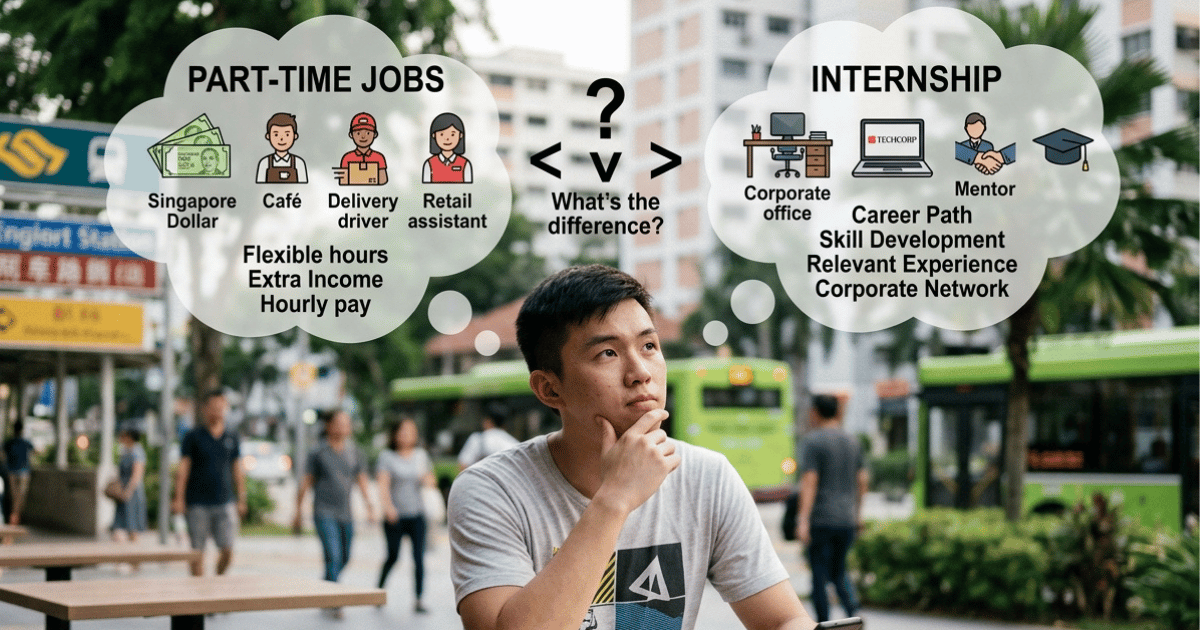
Not sure whether to choose an internship or a part-time job? Compare the benefits of each and discover which option best suits your career goals as a student or fresh graduate.
Read more